Screen Recording Best Practices for SaaS Demos
After helping dozens of SaaS companies fix their broken demo videos, here's what actually converts viewers into customers. Spoiler alert: it's not what you think.
Screen Recording Best Practices for SaaS Demos
I can't tell you how many times I've heard founders say, "Our product is amazing, but our demo videos suck."
Trust me, I get it. You've built something incredible, but when it comes to showing it off in a screen recording, everything falls apart. The mouse cursor goes rogue, you forget your own password, and somehow you end up typing "localhost:300" instead of "localhost:3000" for the third time.
Here's the truth: I've worked with over 50 SaaS companies in the past five years, and 90% of them were sabotaging their own success with terrible demo videos.
Let me share what I've learned from helping companies across various industries and dozens of startups transform their demo game from cringe-worthy to conversion-driving.
The $50K Mistake Most SaaS Companies Make
I once worked with a Series A startup that was burning through $50K monthly on paid ads, driving traffic to a landing page with a 2-minute product demo. The conversion rate? A painful 0.8%.
The product was solid. The market fit was there. But their demo video was a masterclass in how NOT to showcase software.
Here's what they were doing wrong (and what 90% of SaaS companies get wrong):
They were showing features, not solving problems. The demo started with "Here's our dashboard" instead of "Here's how Sarah, a marketing manager, saves 10 hours per week."
They were typing like they had broken fingers. Every form field became an exercise in frustration as they backspaced through typos.
They forgot about the story. It was just a random tour of features with no narrative thread.
After we fixed their demo strategy (more on that below), their conversion rate jumped to 4.2% within six weeks. Same traffic, same product, completely different results.
The Demo Framework That Actually Works
Here's what I've found after analyzing hundreds of SaaS demos: The best demos don't show your product - they show your customer succeeding.
The STORY Method
S - Scenario: Start with a relatable problem
T - Tension: Show the pain of the current solution
O - Outcome: Demonstrate the desired result
R - Resolution: Show how your product delivers that outcome
Y - Yes: Make it easy to say yes with a clear next step
Let me break this down with a real example from a client in the project management space:
Scenario: "Meet Alex, a project manager juggling five client projects with a team spread across three time zones."
Tension: "Right now, Alex is using spreadsheets and Slack, which means important updates get buried, deadlines are missed, and clients are frustrated."
Outcome: "What Alex really needs is a single place where the entire team can see project status, upcoming deadlines, and client feedback in real-time."
Resolution: "Here's how our platform solves this..." (cue the actual demo)
Yes: "Ready to give your team the same clarity Alex's team has? Start your free trial below."
The Technical Stuff That Makes or Breaks Demos
Now, here's where it gets interesting. The story framework is crucial, but if your technical execution is sloppy, even the best narrative won't save you.
Screen Recording Setup (The Boring Stuff That Matters)
Resolution: Record at 1920x1080, always. I learned this the hard way when a client's demo looked pixelated on modern displays.
Frame rate: 30fps is plenty. Higher frame rates just create larger files without improving the viewing experience.
Audio: Invest in a decent microphone. I use a Blue Yeti, but even a $50 USB mic is better than your laptop's built-in microphone.
Browser setup: Use Chrome in incognito mode with all extensions disabled except the ones you're actually demonstrating.
The Typing Problem (And How to Solve It)
Here's where most demos completely fall apart. You're explaining a complex concept while simultaneously trying to type "authentication" without looking like you've never seen a keyboard before.
I remember watching a brilliant CTO demo their API integration platform. The technical explanation was flawless, but he spent 30 seconds trying to type "webhook" correctly. The audience lost focus, and the momentum was gone.
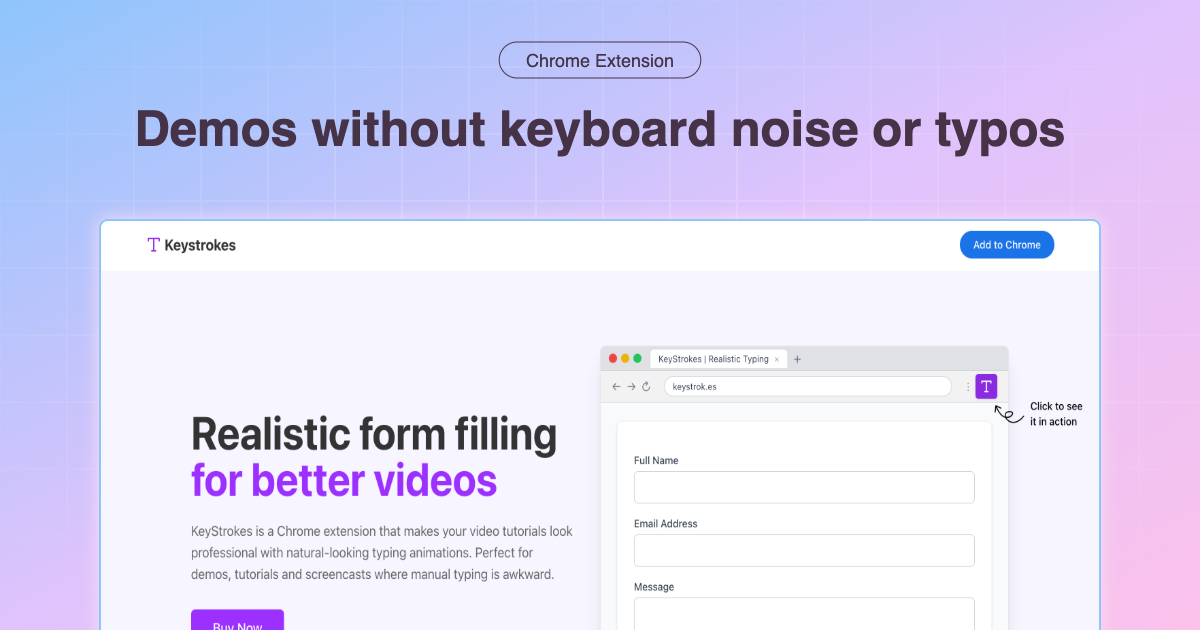
The solution: Automated typing tools like KeyStrokes. I know it might feel like "cheating," but here's the reality - your audience isn't there to judge your typing skills. They're there to understand your product.
When you pre-populate form fields and let automation handle the typing, you can focus on what actually matters: explaining the value and answering questions.
For a deep dive into automated form filling strategies, check out our comprehensive automated form filling guide.
Data That Looks Real
Nothing screams "fake demo" like using "test@test.com" and "John Doe" in every field. I always create realistic demo data:
- Email addresses: Use actual-looking emails like "sarah.chen@acmecorp.com"
- Company names: Reference real industries - "Sunset Marketing Agency" instead of "Test Company"
- Dates and numbers: Use realistic values that make sense in context
The Conversion Optimization Secrets
After helping dozens of companies optimize their demo videos, here are the tactics that consistently move the needle:
Hook Them in the First 10 Seconds
You have exactly 10 seconds to prove this video is worth watching. Don't waste it on company logos or generic introductions.
Bad: "Hi, I'm John from AcmeSoft, and today I'm going to show you our platform..."
Good: "In the next 3 minutes, I'll show you how to cut your customer support response time in half without hiring anyone new."
Show the "Aha!" Moment Early
Every great SaaS product has an "aha!" moment - that instant when the value becomes crystal clear. Don't save it for the end.
I worked with a data visualization company that was burying their best feature (automatic insight generation) 2 minutes into a 3-minute demo. We moved it to the 30-second mark, and engagement rates improved by 60%.
End with Momentum, Not a Whimper
The worst way to end a demo: "So... that's our product. Any questions?"
The best way: "Ready to see these results in your own data? Click the button below to start your free trial, and you'll be up and running in under 5 minutes."
The Metrics That Actually Matter
Here's what I track for every demo video I help create:
Completion rate: What percentage watch to the end?
Click-through rate: How many take the next step?
Time to conversion: How long from demo view to signup?
Support ticket volume: Do better demos reduce confusion?
The best-performing demos I've worked on typically see:
- 70%+ completion rates
- 15%+ click-through rates
- 40% reduction in pre-sales questions
Common Mistakes That Kill Conversions
After reviewing hundreds of SaaS demos, here are the mistakes I see over and over:
Showing everything: Your product probably has 50 features. Your demo should show 3-5 that solve a specific problem.
Going too fast: You know your product inside and out. Your viewers are seeing it for the first time. Slow down.
Forgetting mobile: 40% of B2B software research happens on mobile devices. Make sure your demo works on small screens.
No captions: Always include captions. Many people watch videos without sound, especially in office environments.
Getting Started (The Right Way)
If you're ready to create demos that actually convert, here's my recommended approach:
Week 1: Research and Planning
- Interview 5 recent customers about their buying journey
- Identify the top 3 problems your product solves
- Map out your STORY framework
Week 2: Technical Setup
- Set up your recording environment
- Install automated typing tools
- Create realistic demo data
- Practice your narrative (yes, practice!)
Week 3: Record and Test
- Record 3 different versions focusing on different use cases
- Test with real prospects (not your team)
- Measure completion rates and gather feedback
The Bottom Line
Here's what I've realized after years of helping SaaS companies improve their demos: Great demo videos aren't about showing off your product - they're about helping prospects envision their success.
The companies that get this right see 3-5x higher conversion rates from their demo videos. The ones that don't... well, they keep burning money on traffic that doesn't convert.
What's your biggest challenge with product demos? I'd love to hear about your experiences on Twitter. And if you're still struggling with typing during screen recordings, trust me - automated typing tools like KeyStrokes will change your life.
Want to dive deeper into video content creation? Check out our guide on professional video tutorials with automated typing for more insights from the trenches.